
01 / Guest experience
A menu in every guest’s hand.
Guests can browse dishes, choose options and add items to a shared table cart. Once they place an order, they can follow its progress and request help at the table.
Open the guest view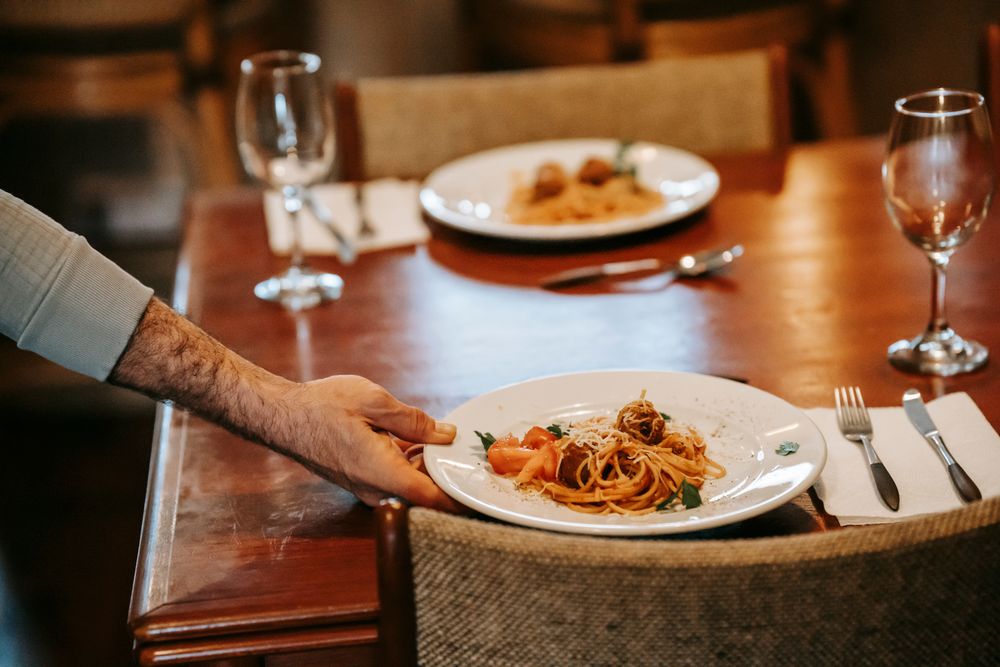
The platform
Give guests, kitchen staff and the floor team the tools they need to keep an order moving.
01 / Guest experience
Guests can browse dishes, choose options and add items to a shared table cart. Once they place an order, they can follow its progress and request help at the table.
Open the guest view
02 / Kitchen & floor
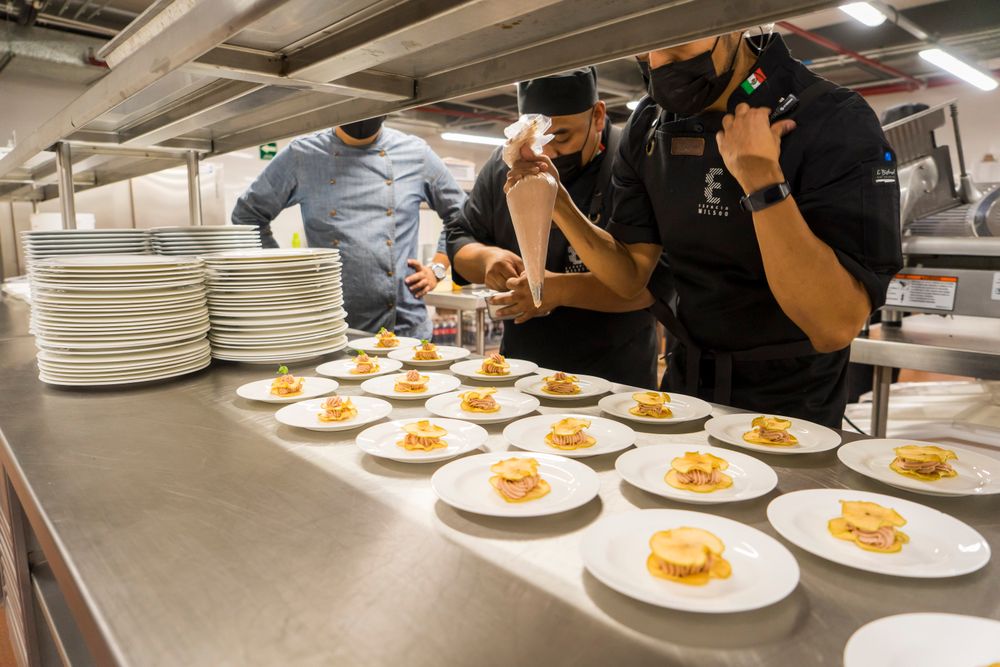
Kitchen staff see the table, items and special requests on each ticket. The floor team can track tables, act on service requests and record payments.
Open staff sign-in03 / Management
Manage menus, table QR codes and staff access in the workspace. Review sales and cash-up, and configure guest features such as promotions and rewards.